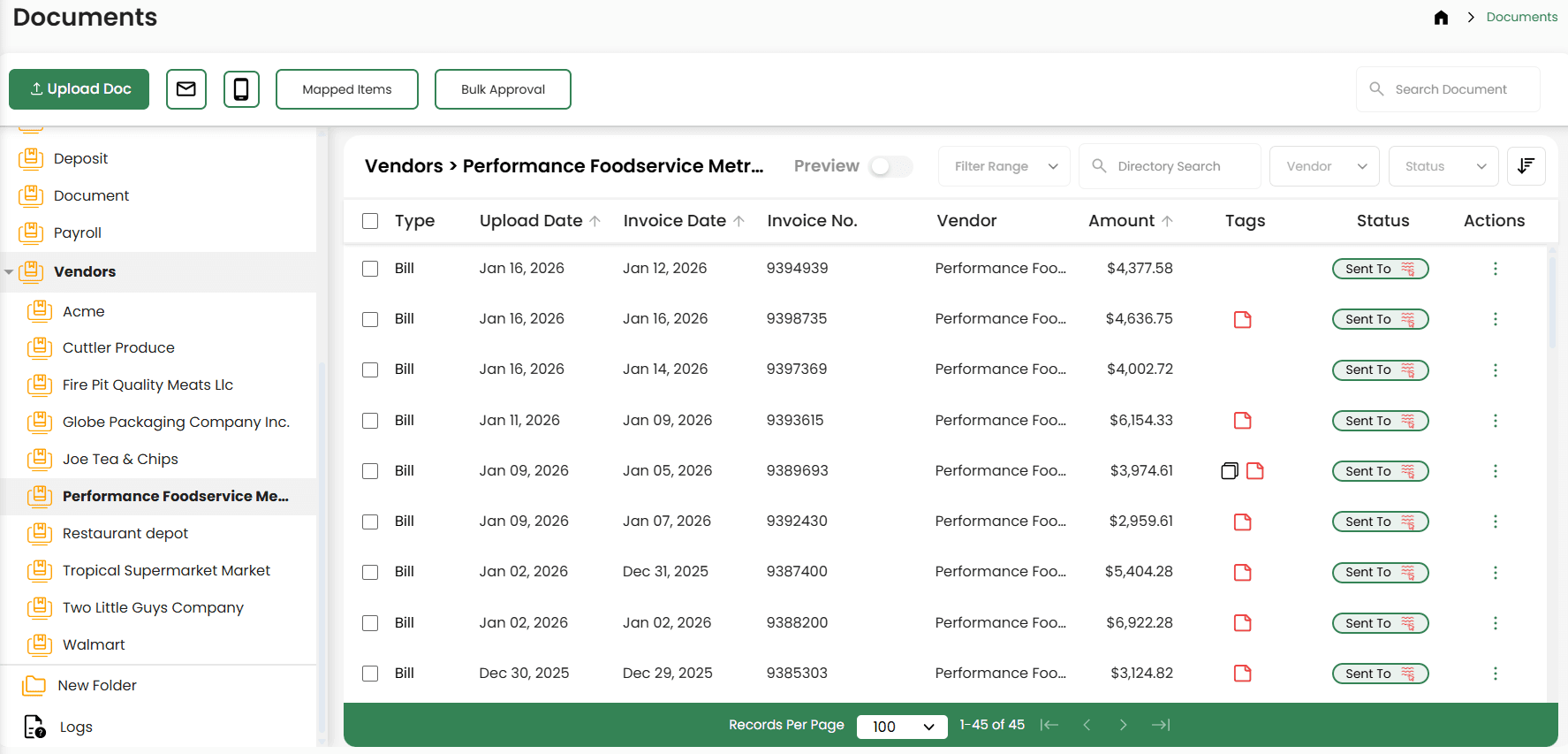
Daily P&L and KPIs
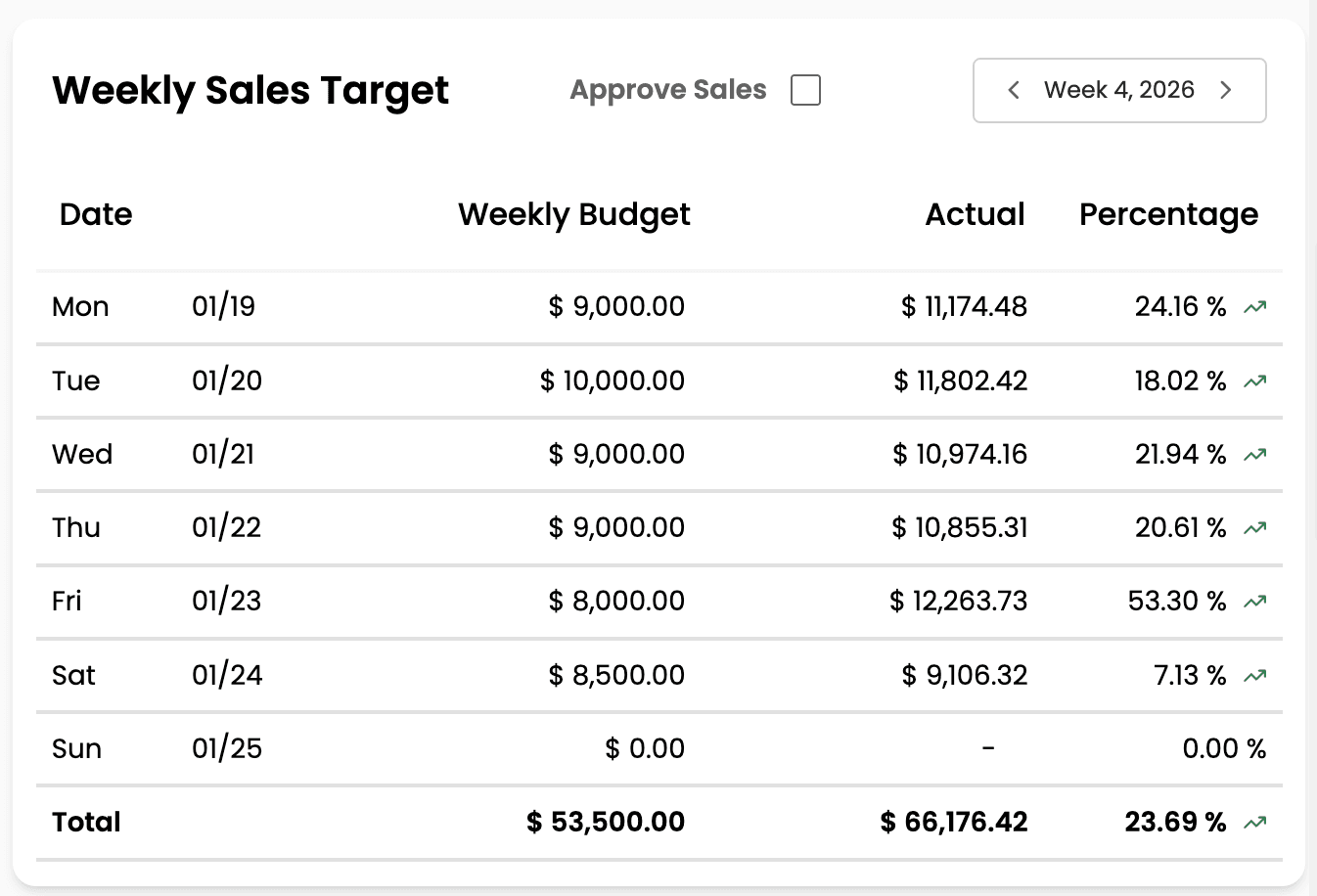
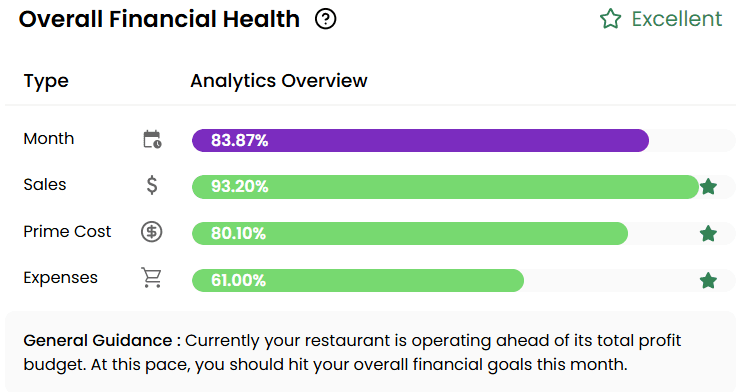
Real-time food cost, labor cost, and prime cost. Not weeks later, when it's too late to fix them.
Built for independent restaurant operators
clickBACON turns your POS sales, invoices, and labor into clean, restaurant-organized numbers within 24 hours, so you can see food cost, labor cost, and prime cost while there's still time to act on them.
Built by Ryan Gromfin, The Restaurant Boss.
Tell us about your restaurant, then pick a demo time.
Plans from $67/month. No long-term contracts.
Within 24 hours, not weeks
Why it feels this hard
You're running service, schedules, vendors, and payroll. When the numbers finally show up, the week you needed to fix is long gone. That isn't a discipline problem. It's a data problem, and plenty of operators have been right where you are.
“…we did not know our numbers.”
“…we never got monthly P&Ls.”
Weeks behind
With clickBACON
Invoices scattered across email threads, texts, and filing cabinets
Invoices captured by photo, email, or upload, down to the line item
POS data dumped in as high-level totals
POS sales categorized by product mix into the right accounts
A P&L that shows up weeks after the month you needed to fix
Clean, restaurant-organized numbers within 24 hours
Food cost that stays a guessing game
Daily food cost, labor cost, and prime cost
What you get
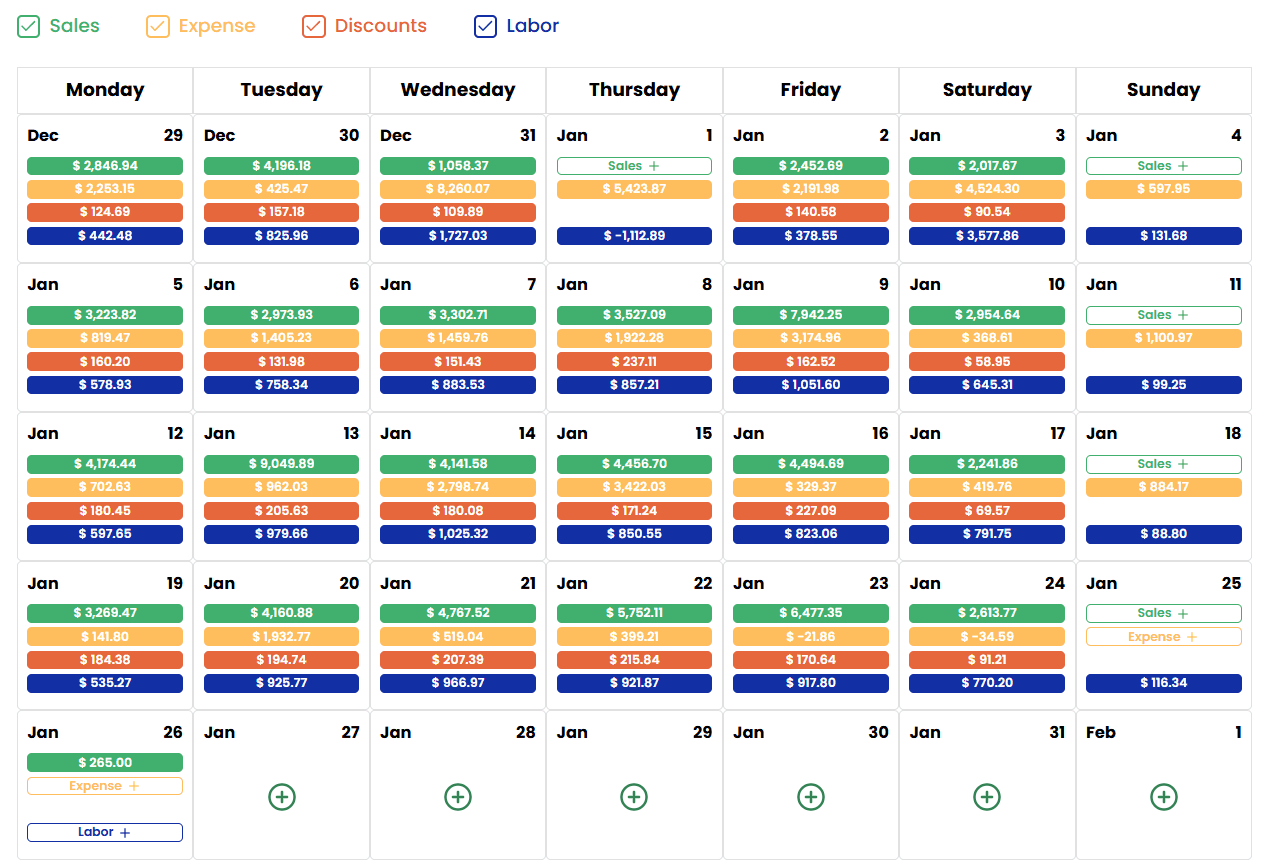
clickBACON brings POS data, daily P&L and KPIs, AI invoice extraction, and bookkeeping integrations into one platform built specifically for restaurants.
Real-time food cost, labor cost, and prime cost. Not weeks later, when it's too late to fix them.
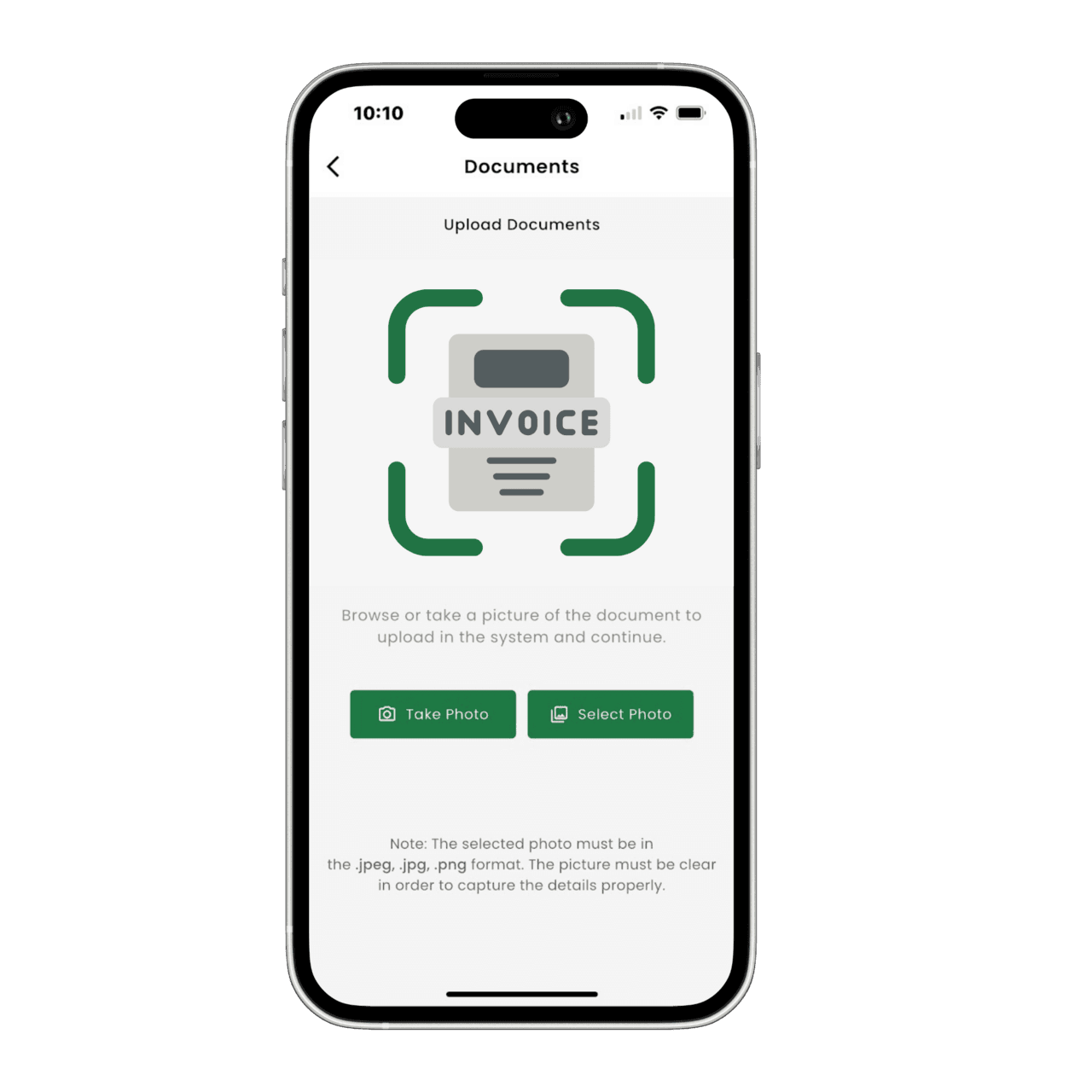
Snap a photo, email it, or upload it. AI captures every line item and validates it before it hits your books.
Most tools stop at POS category totals. clickBACON analyzes your product mix so every dollar lands in the correct accounting category.
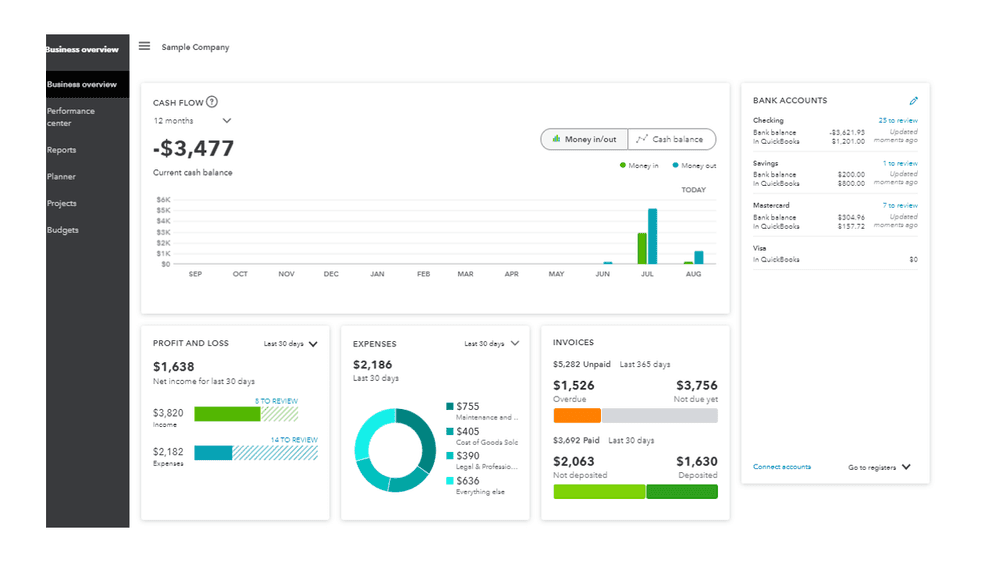
Deep integrations with QuickBooks Online and Restaurant365. The QuickBooks Online sync is two-way: clean data goes in and comes back out for reporting.
Integrations
clickBACON supports 15+ POS integrations, including Toast, Square, Clover, and Aloha, and connects to QuickBooks Online and Restaurant365. No ripping out what already works.
On a different POS? Mention it when you book your demo and the team will tell you what's supported.
Your POS
Part of 15+ supported POS integrations

clickBACON
Organized within 24 hours
Your books
Two-way sync with QuickBooks Online
From operators like you
In their own words, from the operators who use clickBACON to see their numbers.
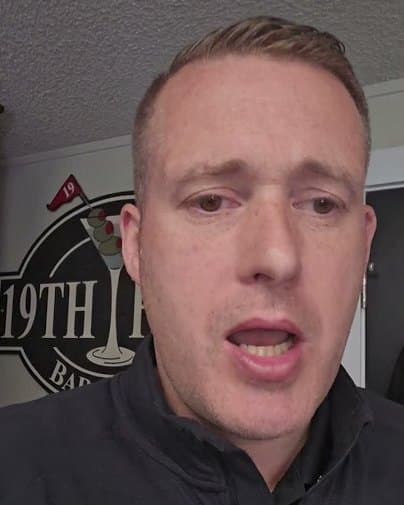
“clickBACON has really helped me understand my cost without spending hours taking inventory.”
“Before using clickBACON we never got monthly P&Ls and we were really struggling from a bookkeeping standpoint.”
 Adrian RamirezRed Cork

“We love using clickBACON's task list tools to help keep our restaurant organized.”

“Before using clickBACON we were doing everything manually and we did not know our numbers.”
“clickBACON showed me that my POS numbers were wrong.”
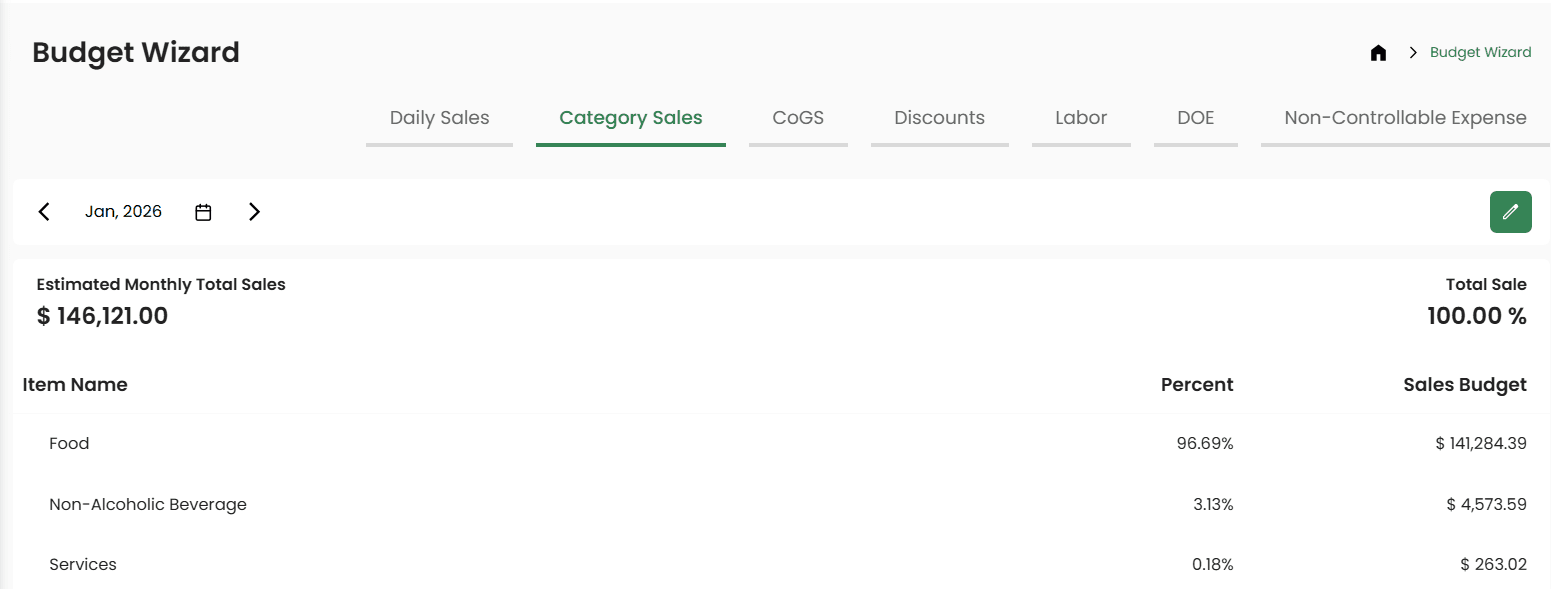
“I love the ability to see and update my budget and use it to track my numbers every week.”
How to start
Start here
See how clickBACON would organize your restaurant's numbers before you decide anything. Fill out the form, then choose a time that works for you.
From scattered receipts and POS reports to one daily view.
Two months free
The annual subscription is priced as 10 months, so you get two months free.
10 paid months + 2 free months = a full year.
Quick form first, then pick a time for your 30-minute demo.
How it works
Link your supported POS and your accounting system. clickBACON works with 15+ POS systems plus QuickBooks Online and Restaurant365.
POS sales are categorized by product mix, and invoices you snap, email, or upload are extracted line by line and validated.
See food cost, labor cost, and prime cost in one restaurant-organized view, within 24 hours instead of weeks behind.
Questions
Restaurant operators first: independent owner-operators, chefs, and growing restaurant groups. It also supports the bookkeepers, bookkeeping firms, and in-house financial teams who keep restaurant books.
clickBACON supports 15+ POS integrations, including Toast, Square, Clover, and Aloha. On the accounting side it integrates with QuickBooks Online (a two-way sync) and Restaurant365. If you use something else, mention it when you book your demo and the team will tell you what's supported.
Fill out the form, then choose a time for a 30-minute demo on the booking calendar that opens next. You'll see how clickBACON would organize your restaurant's numbers before you decide anything.
Annual billing is priced as 10 months for a full year of clickBACON, which works out to two months free.
It means seeing daily P&L and KPIs such as food cost, labor cost, and prime cost, organized the way a restaurant runs, within 24 hours instead of weeks behind. You see problems while you can still adjust, not at month-end.
clickBACON is built to be the simpler option. Snap, email, or upload invoices; POS data is categorized for you; and your numbers land in one restaurant-organized view instead of spreadsheets and email threads.
The clickBACON team gets your details, and you're taken to a booking calendar to choose a time for your 30-minute demo. Your answer about your biggest challenge just helps them point you to the right place first.
Start with a 30-minute demo. If clickBACON earns a spot in your restaurant, annual billing is priced as 10 months, so you get two months free.
Tell us about your restaurant, then pick a demo time.
Plans from $67/month. No long-term contracts.